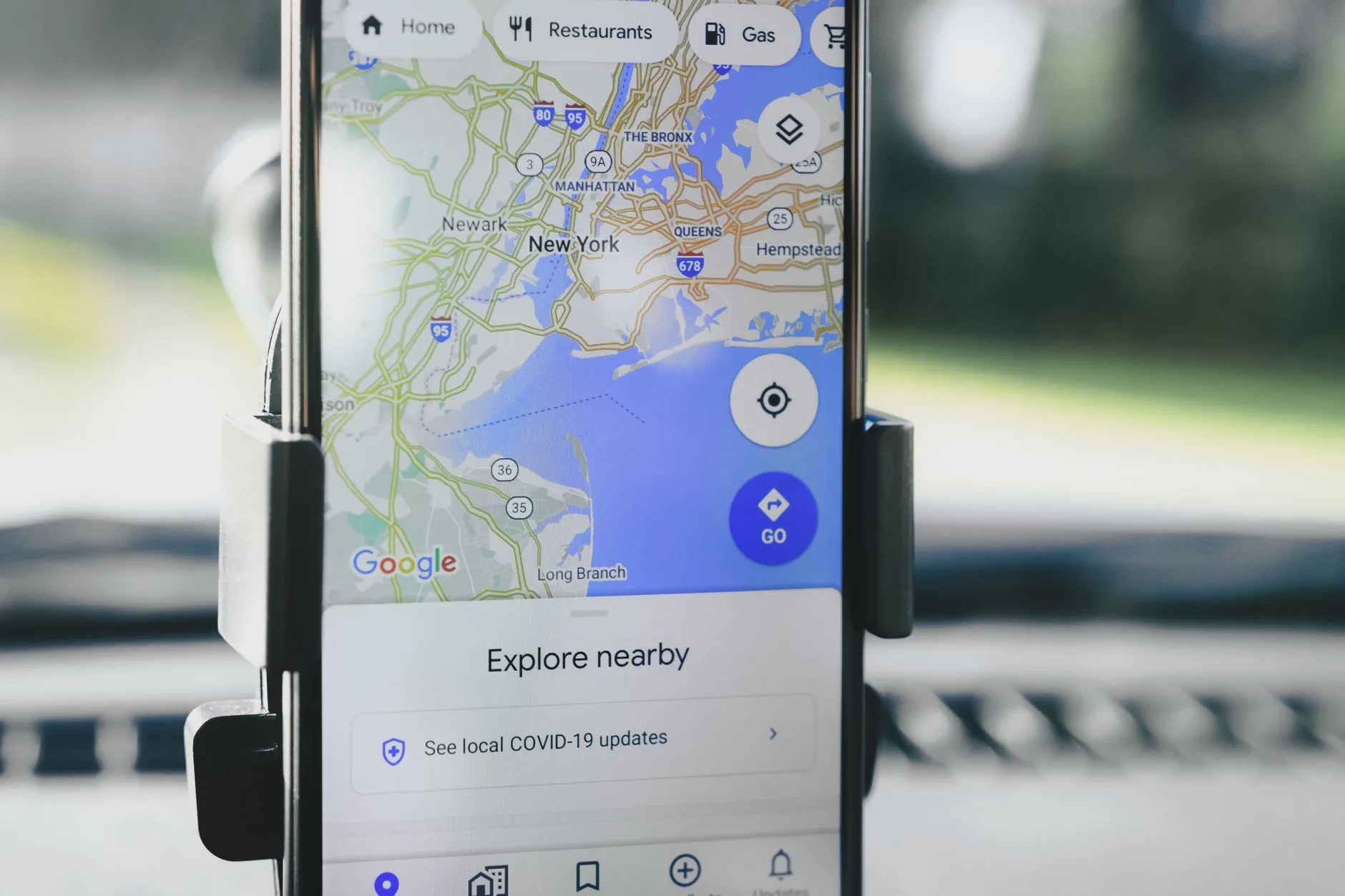
Photo by AS Photography on Pexels
You know the route. Every single turn of it. The crack in the pavement at the 1km mark, the dog that barks at the same gate, the traffic light that always turns red right as you’re finding your rhythm. It’s not that it’s a bad route — it’s that you’ve run it 140 times and your brain has started switching off somewhere around minute three, which is also roughly when your motivation does.
Route boredom is one of the quieter reasons people stop running. Not injury, not lack of time — just the slow erosion of interest that comes from doing the exact same 5km loop since March. The good news is that finding new routes doesn’t require moving house or driving somewhere scenic every weekend. It mostly requires knowing which apps actually show you useful route data, and which ones are just pretty maps with your pace printed on top.
This isn’t a ranking of “best running apps” in general — plenty of those already cover training plans and workout tracking well, including our own guide to the best running apps for beginners in the UK. This is specifically about the tools built for discovering where to run, not just logging that you did.
Start with what’s already on your phone
Before downloading anything new, check what you’re already carrying. Most GPS watches and phone running apps have a “explore” or “routes” tab that nobody opens because it’s buried under the stats screen.
- Strava’s Route Builder (free tier available) draws routes based on heatmap data — essentially, where other runners in your area actually run most. This matters because a route that looks fine on Google Maps can turn out to be a dual carriageway with no pavement.
- Garmin Connect has a similar “Popularity Routing” feature if you’re running with a Garmin watch — if you’re deciding between models, our Garmin Forerunner review covers which ones support this properly.
- Komoot was originally built for cycling and hiking but works well for longer runs, especially if you want elevation data before you commit to a route (useful if you’re marathon training and need to know exactly how much climbing you’re signing up for).
The heatmap feature is the real trick here. It’s not a database someone manually curated — it’s aggregated GPS data from millions of runs, meaning busy, safe, runnable paths light up brighter than quiet streets nobody bothers with. If you’re running alone, especially in low light, that’s genuinely useful safety information, not just a nice-to-have.
Free tools that don’t need an account
Not every runner wants another app demanding a subscription. A few tools work well without any sign-up at all:
| Tool | Best for | Cost | Shows elevation? |
|---|---|---|---|
| Strava Heatmap (public view) | Seeing where locals run | Free | No |
| Google Maps (walking mode) | Quick route sketching | Free | Limited |
| plotaroute.com | Building and saving custom loops | Free | Yes |
| OS Maps (UK) | Trail and off-road routes | Free tier + paid premium | Yes, detailed |
| Komoot | Longer routes with terrain planning | Free tier + regional packs | Yes |
If you’re in the UK and want trail options rather than pavement, OS Maps is worth the few minutes it takes to learn — it uses the same Ordnance Survey data hikers rely on, which means footpaths and bridleways show up that Google Maps simply doesn’t know exist. For a Sunday long run that’s more interesting than another out-and-back along the main road, this is often the better tool, even though it feels slightly more old-fashioned than a slick app interface.
Plotting a route versus following one
There are two different problems here, and apps tend to solve one or the other:
Finding an existing route — someone else has already run this loop, you’re just borrowing it. Strava segments, Komoot “collections,” and local running club GPX files (often shared on their websites or group Facebook pages) fall into this category. The upside: it’s tested, you know the distance and terrain before you start.
Building your own route — you pick a distance, say 8km, and plot it yourself to hit that number exactly. Tools like plotaroute.com or Garmin’s Route Builder let you drag a line on a map and see live distance updates as you go. This is more useful if you’re training for something specific, where hitting 8.2km rather than roughly-8km-ish actually matters for pacing practice ahead of a race, like following a 12-week half marathon training plan where your long runs are building week on week.
Neither approach is better — it depends what you need on a given Tuesday. If you just want variety, borrow someone else’s loop. If you need precision because you’re rehearsing race pace, plot your own.
Don’t ignore local running clubs as a route source
This gets overlooked constantly. Local running clubs don’t just offer company — they’re a living, breathing route database built by people who’ve been running the same area for years and know which paths flood after rain, which hills are worth avoiding on a recovery day, and which route has a water fountain at the halfway point.
Most clubs post their weekly routes on Strava or share GPX files in advance. Even if you never join a formal session, many clubs are happy to share route files if you ask. If you’re new to an area or new to running altogether, this is also a reasonable way into the sport socially — we cover this more in our guide to finding your running community, but the practical route benefit alone is worth it.
What actually makes a route “good”
Apps will show you distance and elevation. They won’t tell you whether a route is actually pleasant to run, which is a different question. When you’re evaluating a new route — whether you found it on an app or you’re plotting your own — a few things matter more than the map suggests:
- Surface type. Pavement versus trail versus gravel changes effort significantly. A 10km trail run at the same heart rate as a 10km road run will usually be slower, and that’s normal, not a sign you’re losing fitness.
- Traffic light density. Nothing kills a tempo run faster than stopping at six crossings in 5km. Apps rarely flag this, but you’ll learn it quickly on the first attempt.
- Lighting, if you run early or late. Street lighting data isn’t something most route apps show well — this is genuinely one area where local knowledge beats an algorithm.
- Loop versus out-and-back. Out-and-backs are easier to plot precisely for distance. Loops tend to feel less monotonous mentally, even over the same total distance.
None of this shows up cleanly in an app’s route score. Worth a mental checklist before you commit, especially somewhere new.
Matching the route to the run
Not every run needs a new, exciting route. Easy days and recovery runs genuinely benefit from being boring — your brain doesn’t need to concentrate on navigation when the goal is just gentle, conversational effort. Save the newly-plotted scenic loop for a long run or a session where you actually want the distraction.
If you’re building a watch and app setup from scratch and budget matters (it usually does), our guide to the best budget GPS watch under £150 covers which devices handle route-following well without the premium price tag — because not every route-finding feature needs a flagship watch to use it properly.
The Honest Takeaway
- Check your existing watch or app first — most already have a heatmap or explore feature you’ve never opened.
- Use Strava’s or Garmin’s popularity data to find routes other runners already trust, especially if you’re running somewhere unfamiliar or in the dark.
- Plot your own route with a tool like plotaroute.com when distance precision matters — race pace training sessions, in particular.
- Ask a local running club for their GPX files, even if you’re not ready to join a group run yet. It’s free, local knowledge an app can’t replicate.
- Save the new, scenic routes for long runs or sessions that need the mental distraction — your easy days don’t need novelty, they need to be easy.
Next read: Not sure which watch suits your routes and budget?