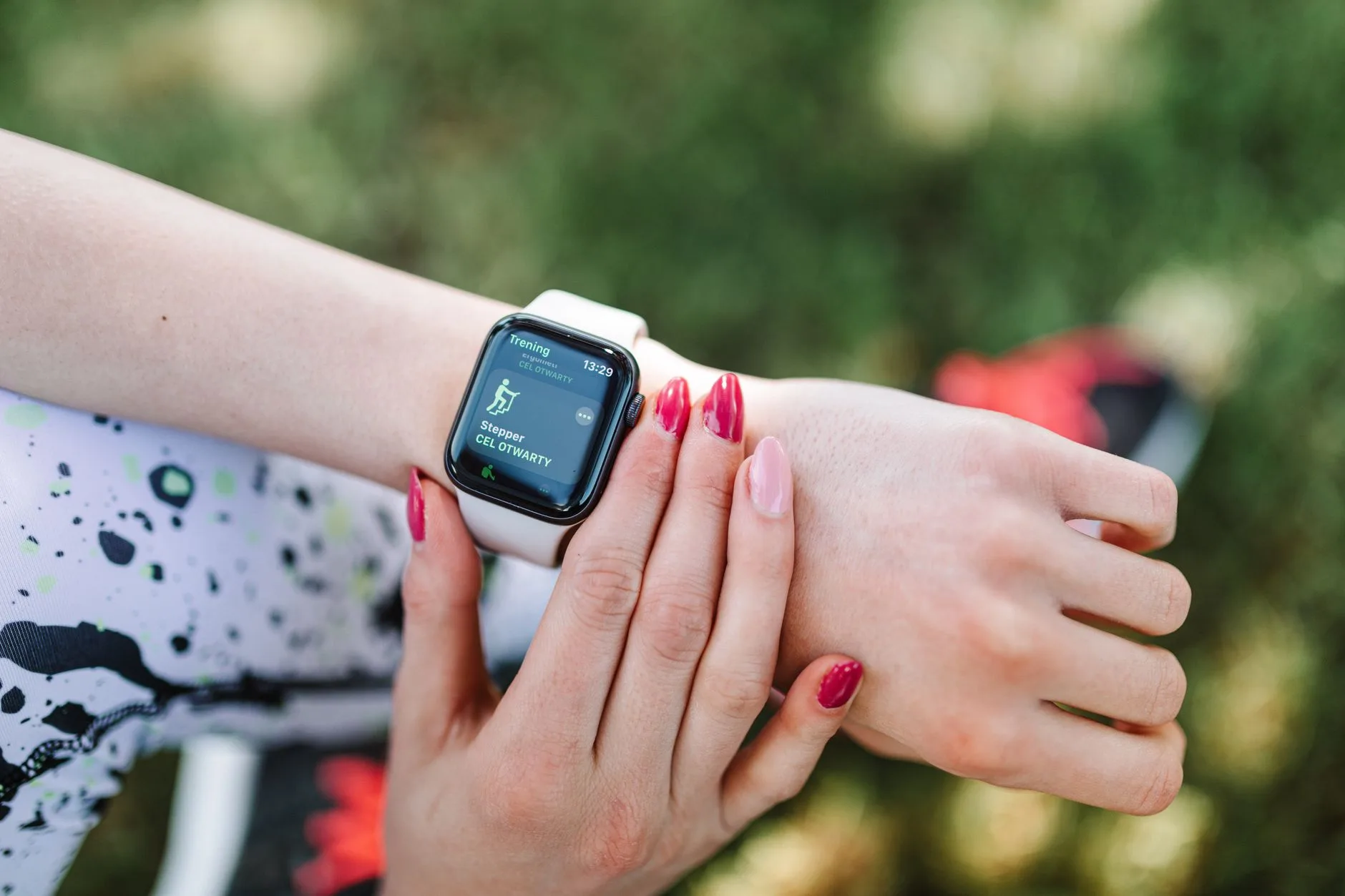
Photo by https://kaboompics.com/ on Pexels
You bought the watch. Maybe for Christmas, maybe after your first 5K when you decided you were serious about this now. It’s been strapped to your wrist for three months, buzzing after every kilometre, telling you your VO2 max is “fair” and your recovery time is 46 hours. And you still have no idea if any of it is making you faster.
That’s normal. Most runners use maybe 10% of what their watch actually does, and usually the wrong 10% — obsessing over the overall pace average while ignoring the one number that would actually change their training. A running watch is a tool, not a coach. It collects data. What you do with that data is the entire point, and that’s the part nobody explains properly in the box.
This isn’t about buying a fancier watch. It’s about using the one on your wrist right now — whether it’s a £90 Coros or a £600 Garmin — to actually train smarter instead of just logging miles you’d have run anyway.
Stop looking at average pace, start looking at current pace
Most runners’ biggest watch mistake happens on easy runs. You glance down, see your overall average pace creeping towards something you’re proud of, and speed up without meaning to. The watch rewards exactly the behaviour that wrecks easy runs.
Instead, set your display to show current pace (or better, lap pace averaged over the last 400m — most watches let you customise this). On easy days, the goal isn’t a number on your wrist going down. It’s staying in a zone where you could hold a conversation. If you’re running easy days 30–45 seconds per kilometre faster than you should be, your watch isn’t helping your training — it’s quietly sabotaging it. This is one of the most common reasons runners feel permanently tired without getting faster: every run is medium-hard, nothing is properly easy, and nothing is properly hard either.
Use heart rate zones, but set them up properly first
Heart rate is the most useful metric on your watch, and also the most frequently set up wrong. If you’ve never manually entered your max heart rate or run a proper threshold test, your watch is almost certainly using an age-based estimate (220 minus your age), which can be off by 10–15 beats for plenty of people — particularly if you’re over 40 or started running later in life.
Spend 20 minutes doing this properly once, and your zones become genuinely useful rather than generic guesswork. Our guide to heart rate zones for running explained walks through how to find your actual zones and what each one is for.
Once your zones are accurate, here’s roughly how they map to training intent:
| Zone | % of max HR | Feels like | Use for |
|---|---|---|---|
| 1 | 50–60% | Barely working | Recovery runs, warm-up |
| 2 | 60–70% | Conversational, easy | Easy runs, long runs, base building |
| 3 | 70–80% | Comfortably hard | Steady/tempo-adjacent runs (use sparingly) |
| 4 | 80–90% | Hard, controlled | Threshold intervals |
| 5 | 90–100% | Max effort | Short reps, race finishes |
The single biggest shift most runners can make: spend far more time in Zone 2 than feels productive. It feels too easy. That’s the point.
Let GPS pace guide intervals, not just distance
If your watch has customisable interval workouts (most mid-range and above do), use them. Program your actual session — 6 x 800m at 4:30/km with 90 seconds recovery, for example — rather than eyeballing distance on a track or guessing pace from feel. The watch buzzes at each interval and recovery transition, so you’re not checking your phone or doing maths mid-rep.
This matters most for sessions tied to a specific race pace. If you’re working through a 10K training plan with threshold reps at 5:10/km, a programmed interval session keeps you honest when your legs start arguing with your pacing plan around rep four.
One caveat: don’t let the watch’s auto-lap or pace alert turn into a tyranny. If it buzzes “too slow” on a long run at the exact moment you’re climbing a hill or dodging a pram, ignore it. The watch doesn’t know about the hill.
Track training load and recovery — but treat it as one input, not gospel
Most modern watches now estimate things like training load, recovery time, and sometimes “readiness” or body battery scores. These are genuinely useful for spotting patterns over weeks — if your watch consistently says you need 60+ hours to recover after ordinary runs, something’s off: sleep, nutrition, or you’re simply doing too much too soon.
What these numbers are not: a precise science. The algorithm doesn’t know you slept badly because of a teething toddler, or that you’re stressed about a work deadline, both of which affect recovery far more than your watch can measure. Use these metrics as a nudge to check in with yourself, not as a verdict you have to obey. If the watch says “fully recovered” but your legs feel like concrete, trust your legs.
Use cadence and stride data to check — not chase — form changes
Cadence (steps per minute) is one of the more genuinely useful secondary metrics, mostly because it’s a decent proxy for overstriding, which is linked to higher impact forces at the knee and hip. Many beginner runners sit around 155–165 spm; nudging towards 170–180 spm often reduces overstriding without you needing to think about stride length directly.
But don’t try to force a specific number overnight. A 5% increase in cadence over 4–6 weeks is a reasonable, injury-safe target. Jumping straight to 180 spm because an Instagram post said so is a good way to introduce new aches in your calves and Achilles. If you’re already managing Achilles tendinopathy, any cadence change should be gradual and ideally discussed with a physio.
Review your week, not just your run
The real value of a running watch isn’t the buzz after each kilometre — it’s the weekly and monthly view in the app afterwards. Once a week, actually look at:
- Total weekly mileage and whether it jumped more than 10% from the week before
- How many runs were genuinely easy vs accidentally hard
- Resting heart rate trend over the past fortnight (a steady upward drift can flag fatigue or illness before you feel it)
- Whether your long run pace is improving at the same heart rate over time — a strong sign your base building is working
This is where a watch earns its keep. Not the live data mid-run, but the pattern-spotting afterwards that your memory alone would never catch.
A simple setup checklist
| Step | What to do | Why it matters |
|---|---|---|
| 1 | Enter accurate max HR / run a lactate threshold test | Zones are meaningless if based on a guess |
| 2 | Set data screen to show current/lap pace, not average | Stops unconscious speeding up on easy days |
| 3 | Program interval workouts for key sessions | Removes mental maths, keeps pacing accurate |
| 4 | Check weekly mileage increase stays under ~10% | Reduces injury risk from doing too much too soon |
| 5 | Review weekly summary, not just daily buzzes | Where the actual useful patterns show up |
If you’re still deciding which watch to buy in the first place, it’s worth reading up on budget GPS options under £150 before assuming you need the most expensive model on the shelf — most of what’s described here works on entry-level devices too.
For reference on how heart rate and exercise intensity generally relate, the NHS guidance on physical activity and heart rate is a sensible, non-alarmist starting point if you want the basics without wading into sports science journals.
The Honest Takeaway
- Tomorrow’s run: switch your display to show current pace, not average pace, and actually slow down when it says you’re going too fast on an easy day.
- This week: find 20 minutes to set an accurate max heart rate instead of relying on the age-based default — it changes everything downstream.
- Stop checking “recovery time” as a rule and start treating it as one data point among several, including how your legs actually feel.
- Program your next structured session into the watch properly rather than winging the pace from memory.
- Once a week, open the app and look at the 7-day summary — that’s where the real insight lives, not in the mid-run buzzes.
Next read: Heart rate zones for running explained